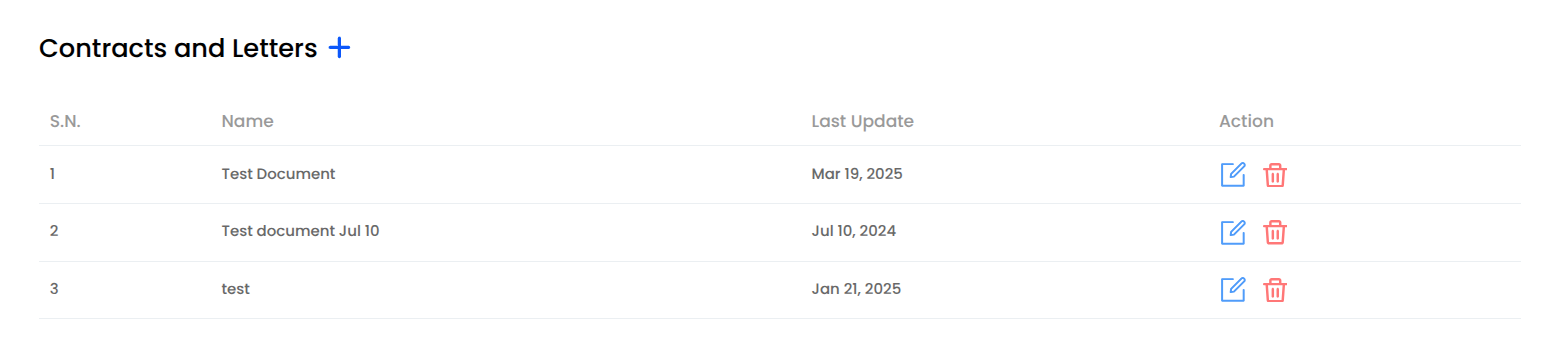
Contracts and Letters
This page provides a list of contract and letter templates that can be used within the application. Users can create, edit, and delete templates based on their needs.
1. Add Contract and Letters
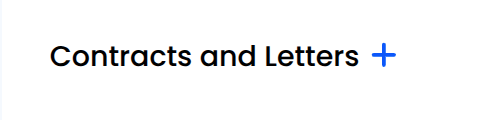
- The plus button allows to add a new template for contract or letter.
- Upon clicking, would navigate to a page, where we can add a new document.
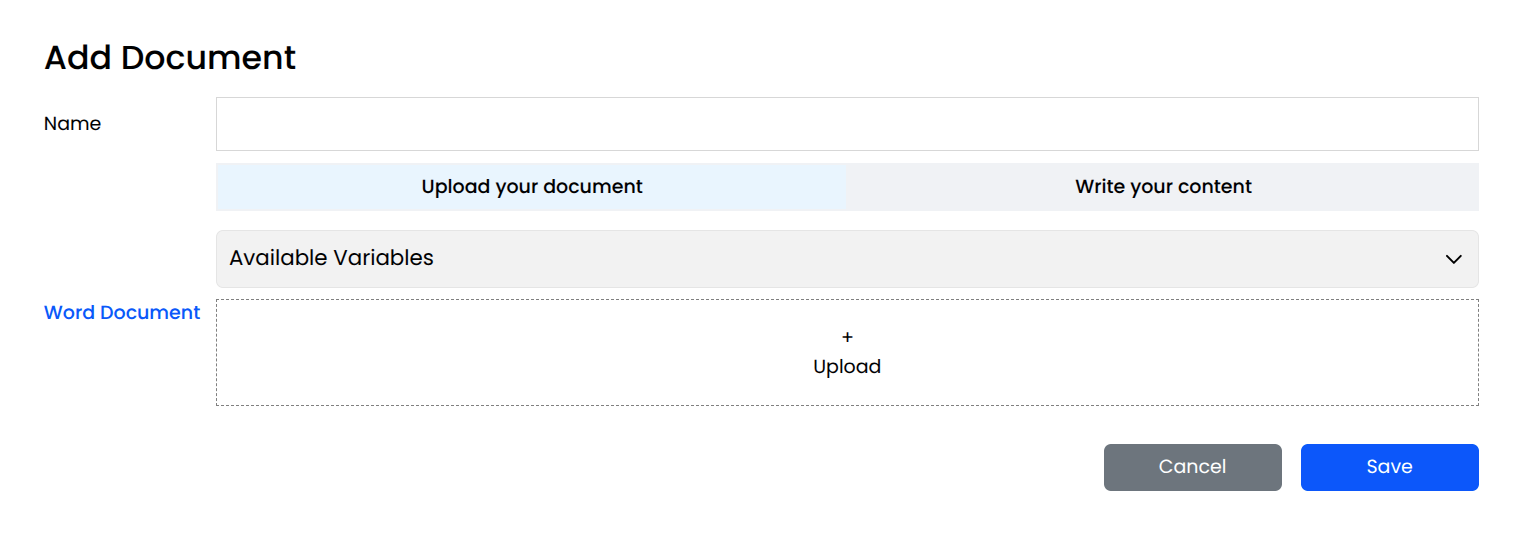
- This page allows users to create and upload a new document. It provides options to either upload an existing file or manually write content.
- The fields which are required to fill are as follows:
- Name: A text input where the user enters the document's name.
- Upload or Write Content Option: Users can choose between:
- Upload: Allows uploading an existing Word document.
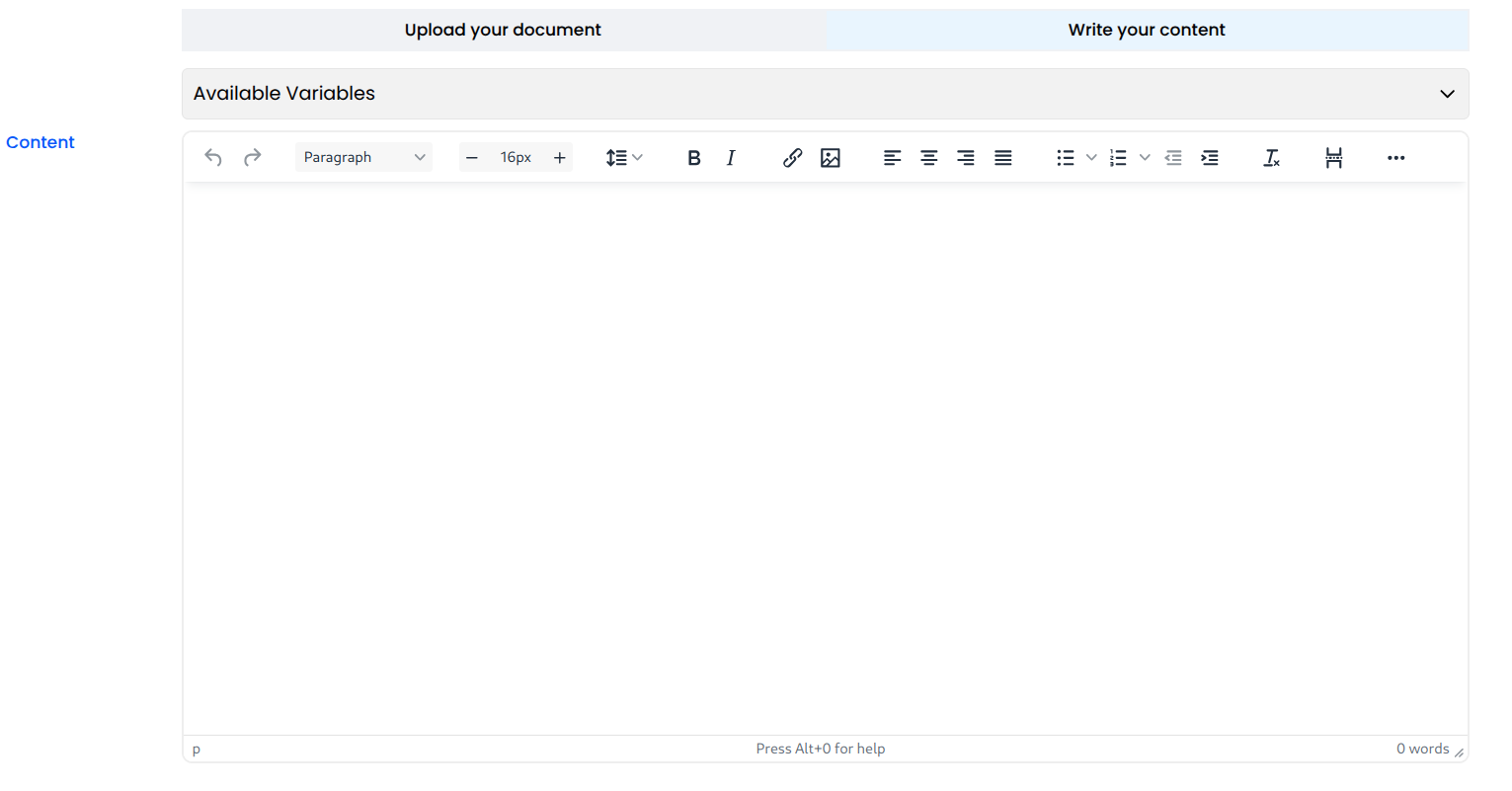
- Write: Enables users to manually type content in the Rich Text Editor. The Rich text Editor is available to write the content when Write your Content is selected as shown below.
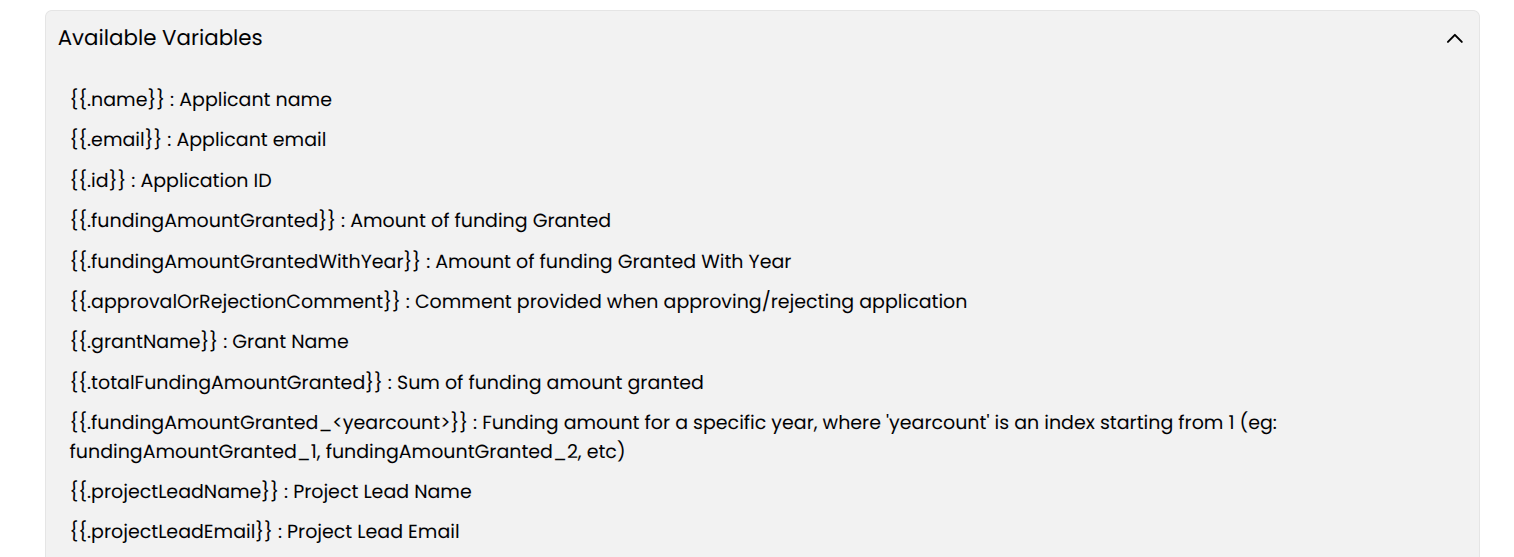
- Available Variables: This section serves as a reference purpose for users to manually include the placeholders. We can use these predefined variables in the Content section of the template. For eg: Placeholders like {{.name}}, {{.email}} and many more as shown below are replaced with actual values when the document is being created.
After filling in all the required fields and finalizing the document template, users can save the template. Once saved, the template will be added to the Contracts and Letters List, where it can be viewed, edited, or deleted as needed.
2. Contracts and Letters List
The Contracts and Letters page displays a list of pre-configured contract and letter templates.This list allows users to manage existing templates, including editing and deleting them, as well as adding new templates.
The listed Contracts and Letters displays the following columns:
Name: The name of the contract or letter template.
Last Updated: Displays the date when the template was last modified.
Action: Provides two options:
- Edit: Allows users to modify the existing template.
- Delete: Removes the template from the list.