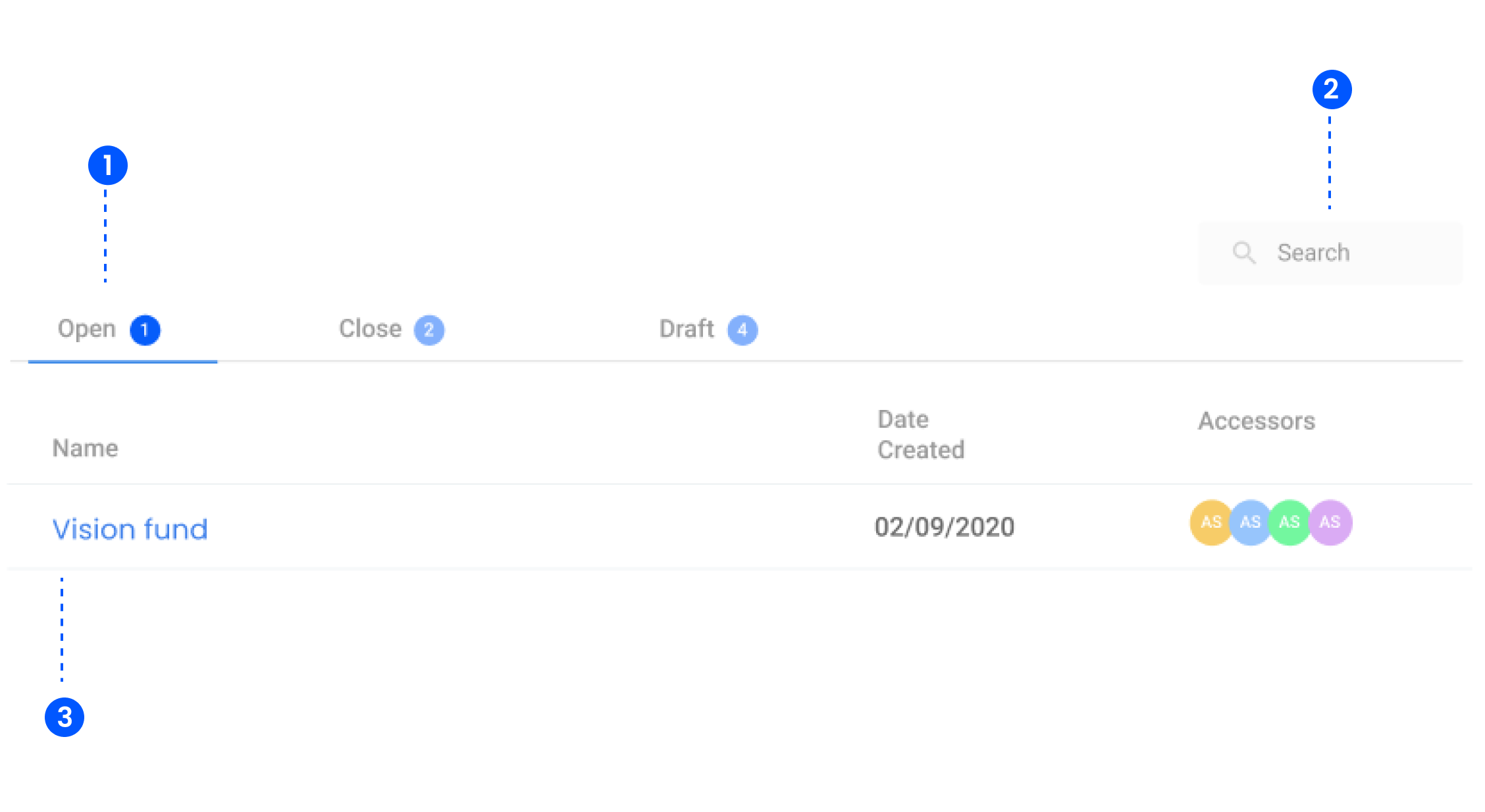
1. Grant Status Tabs
- At the top of the interface, there are three main tabs that categorize grants based on their current status:
- Open: Displays grants that are currently active and ongoing.
- Closed: Shows grants that have been completed or closed.
- Draft: Lists grants that are still in the drafting phase and not yet finalized.
2. Search
- Allows users to quickly find specific grants by name.
3. Grant List
- Presents a structured list of grants with details, which includes:
- Grant Name: The title or identifier of the grant.
- End Date: Specifies when the grant is set to conclude.
- Assessors:Displays the users assigned to review or manage the grant