
Grant Settings
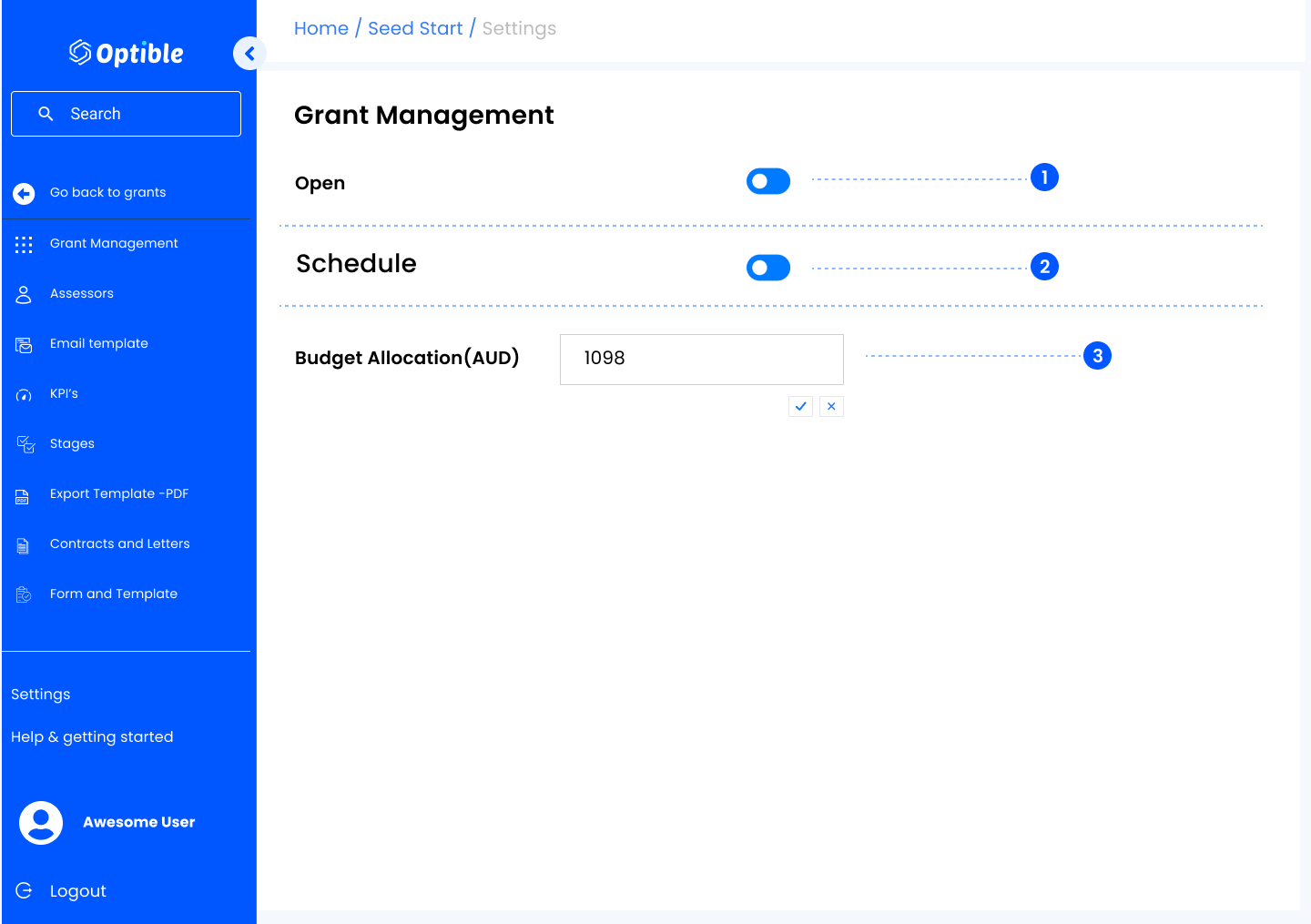
1. Open
- Toggle On: Allows applicants to fill in forms related to this grant.
- Toggle Off: Forms are closed and cannot be submitted.
2. Who can apply
- Open (the default): anyone with the link can start an application.
- Invite only: the grant and its questions stay publicly visible, but only people you have invited by name can start an application.
Invitations are managed under Applicant Invites in the same settings sidebar. Note that an invitation only controls starting an application: revoking one does not stop somebody finishing and submitting a draft they already have. See Invite-Only Grants and Applicant Invitations.
3. Schedule
- Enable the Schedule toggle to set a closing date/time for the grant.
- A Closes At field will appear — set the date and click Save Schedule.
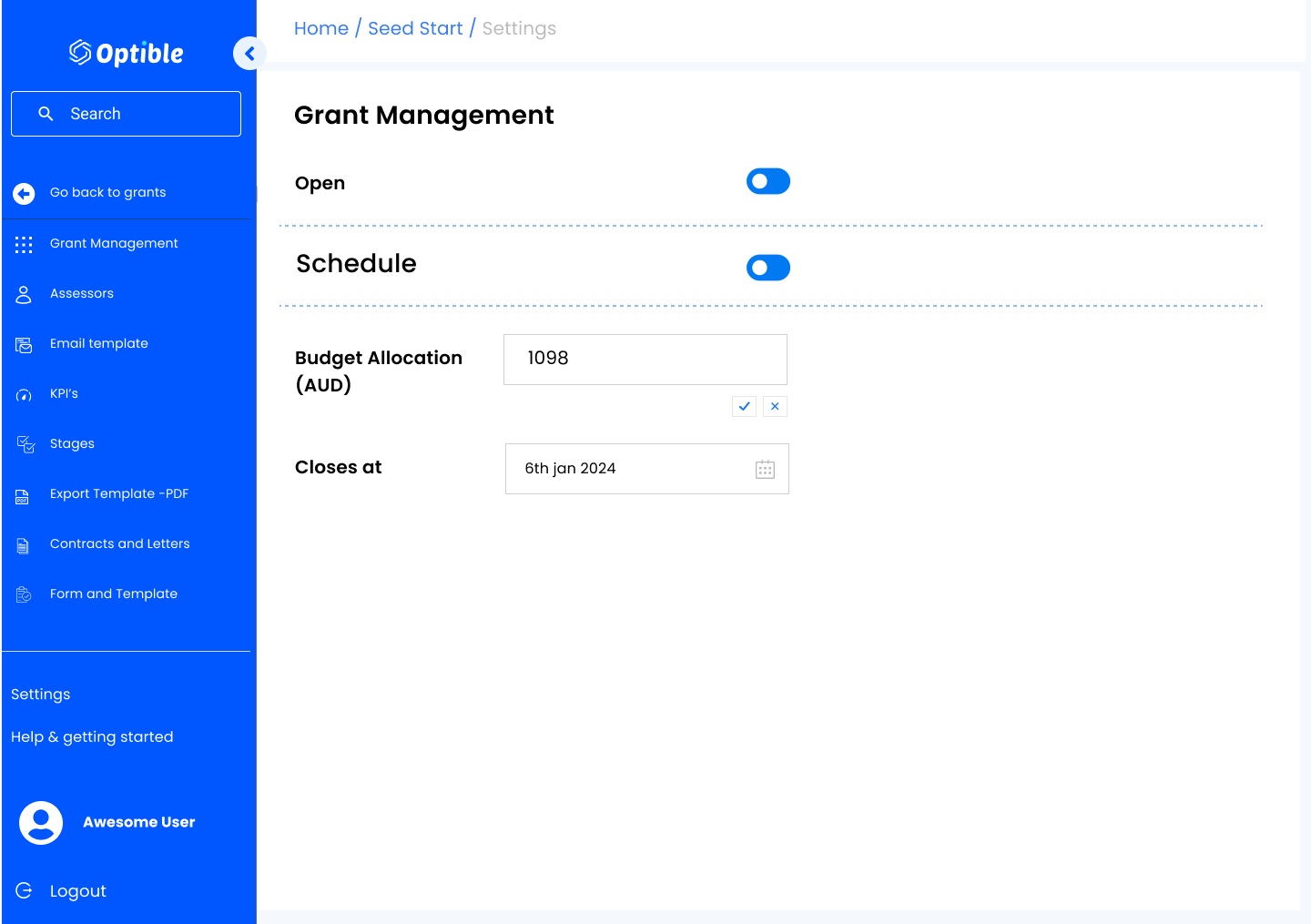
4. Budget Allocated
- Displays the amount the grant can provide. Click the edit button to modify it.
