
Expenditures
In this article
In this article group
- Summary - Header
- Smart Insights
- Criteria Ranking
- Attachments
- History and Comments
- Payments
- Post-Success Report
- Document Validation
- Reading Scanned PDFs (Text Recognition)
- Web Research and Source Citations
- Seeing Who Else Is on an Application
- Seeing the Evidence Behind an Optible Score
- Translate an application into your language
- Screening Board Members Against Sanctions Lists
- Post-Award Review
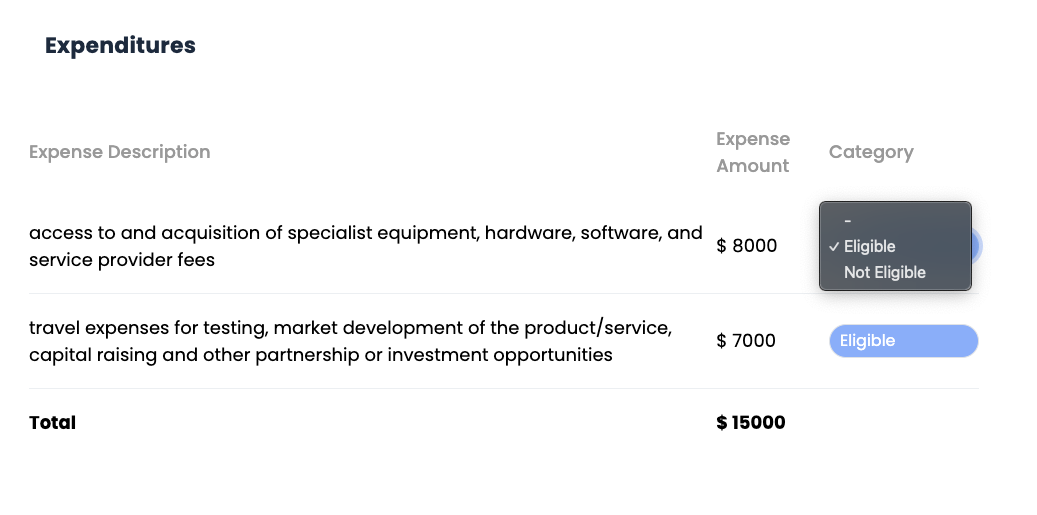
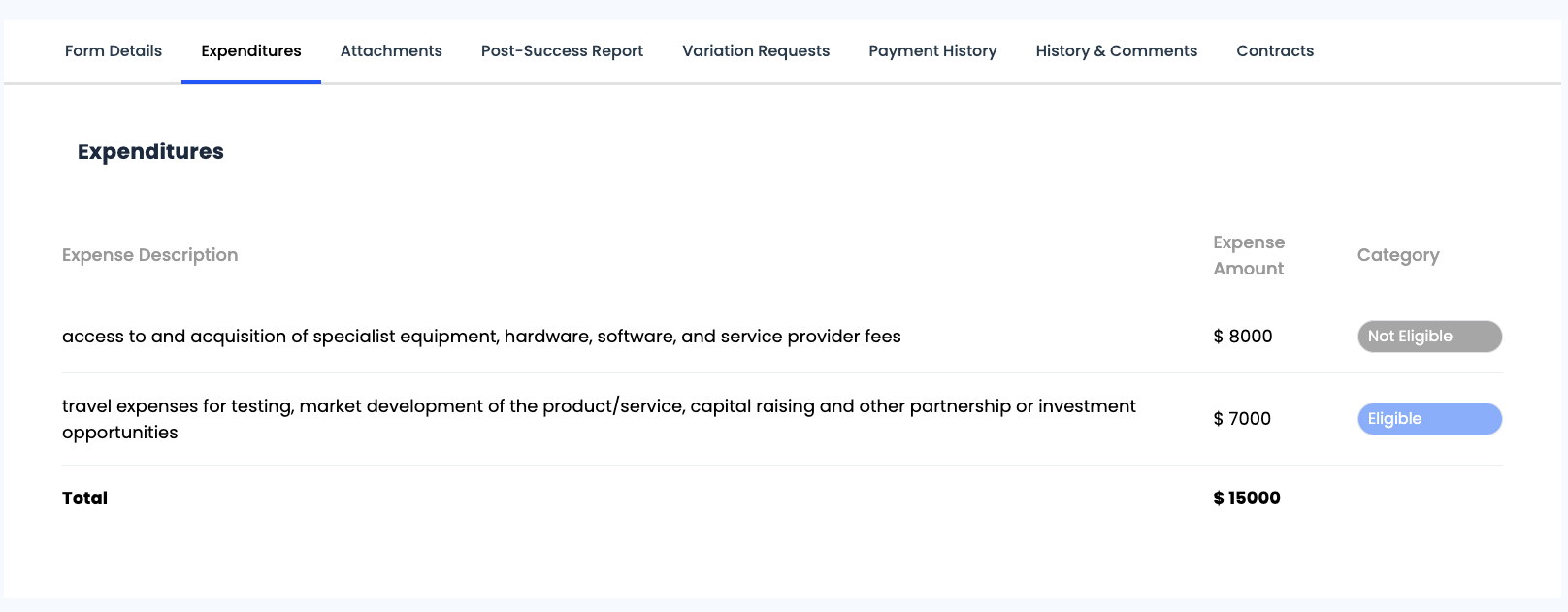
The Expenditures section provides a breakdown of expenses incurred, categorised by their eligibility status. This section helps track and manage financial records related to the application.
The table includes:
- Expense Description: Lists the details of each expense item.
- Expense Amount: Displays the cost associated with each expense.
- Category: Indicates whether an expense is Eligible or Not Eligible.
- Total: Summarises the total expenditure amount across all listed items.
Income
Where the form asks for income alongside expenditure, the table gains an income description and amount, with its own total. Those columns only appear when at least one row has income against it, so a purely expenditure-based application looks exactly as it always did.
Why an expense is marked eligible or not
Where Optible has assessed an expense against the grant's funding rules, a short note appears under the description explaining the call it made. It is there so you can agree or disagree with the reasoning rather than just the verdict, and you can change the category yourself.
If the figures come from a grid question on the form, remember the grid's own Total column is worked out for display and is not part of the stored answer. See The Financial Grid Field.