
History and Comments
The History and Comments section provides a record of all the changes made to the application and a timeline of updates.
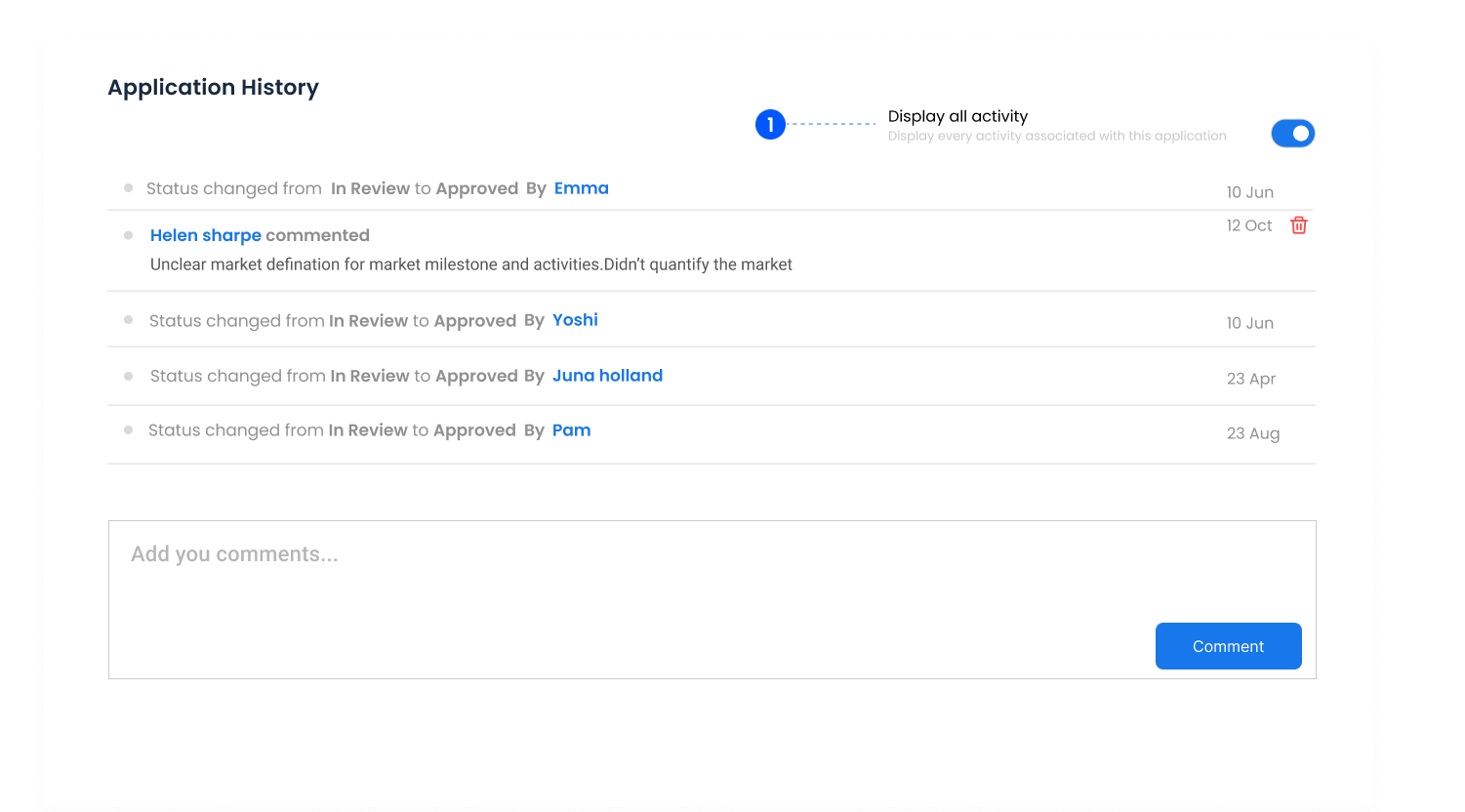
1. Display all activity
A toggle that when enabled displays all activities including status changes, updates, project lead assignments, and attachment uploads.
Disabled shows only comments.
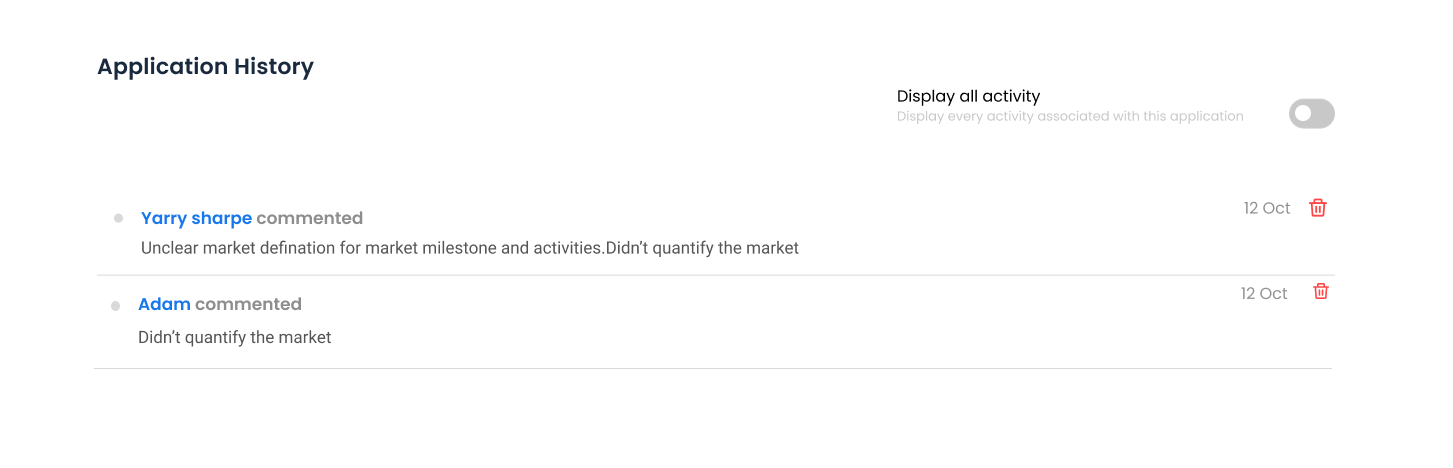
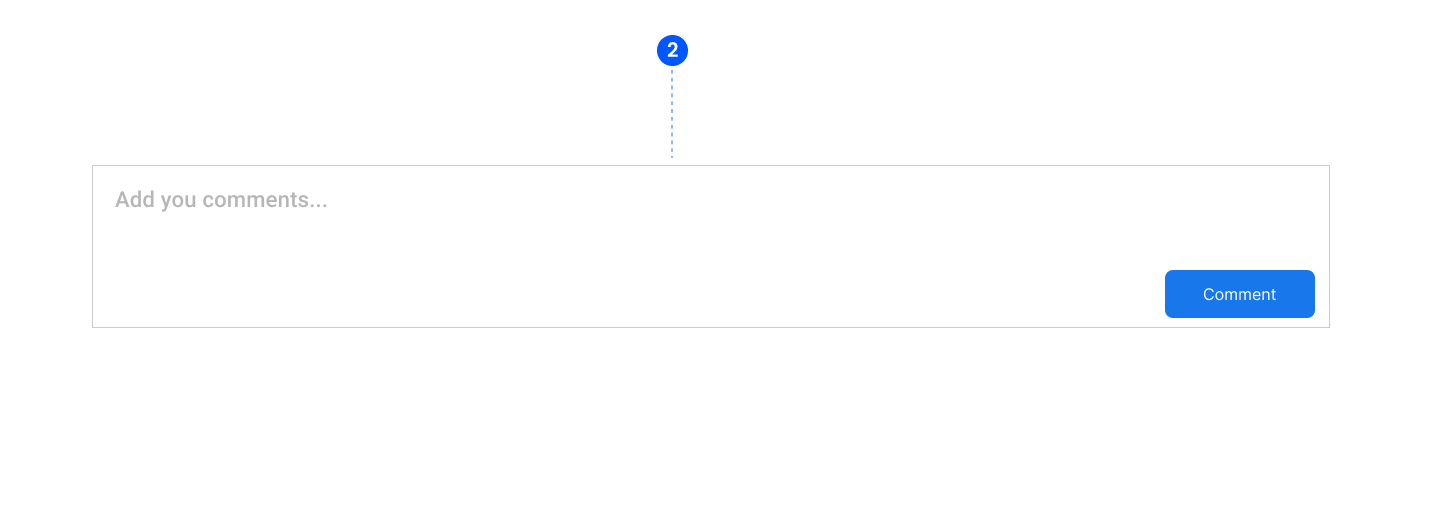
2. Comments
Allows users to add comments displayed in chronological order.
3. Requests for further information
When an application is sent back to the applicant for correction, the whole round shows up in this timeline: what was flagged, when it was sent, what the applicant changed, and each acceptance or withdrawal. It is the quickest way to see why an application was reopened and who asked for it.